ブラーシェーダー
ℹ️ 留意事項
この記事は Godot 3から Godot 4 へ内容の書き換え中です。 Godot4では存在しない変数、関数が含まれている場合があります。もしその場合はリポジトリのIssuesまでご報告ください。
課題
オブジェクトや画面をぼかすシェーダーが欲しい。
解決策
shader_type canvas_item;

uniform float blur_amount : hint_range(0, 5);

void fragment() {
	COLOR = textureLod(SCREEN_TEXTURE, SCREEN_UV, blur_amount);
}
例えば、シーン切り替え効果のために画面全体を徐々にぼかすには。
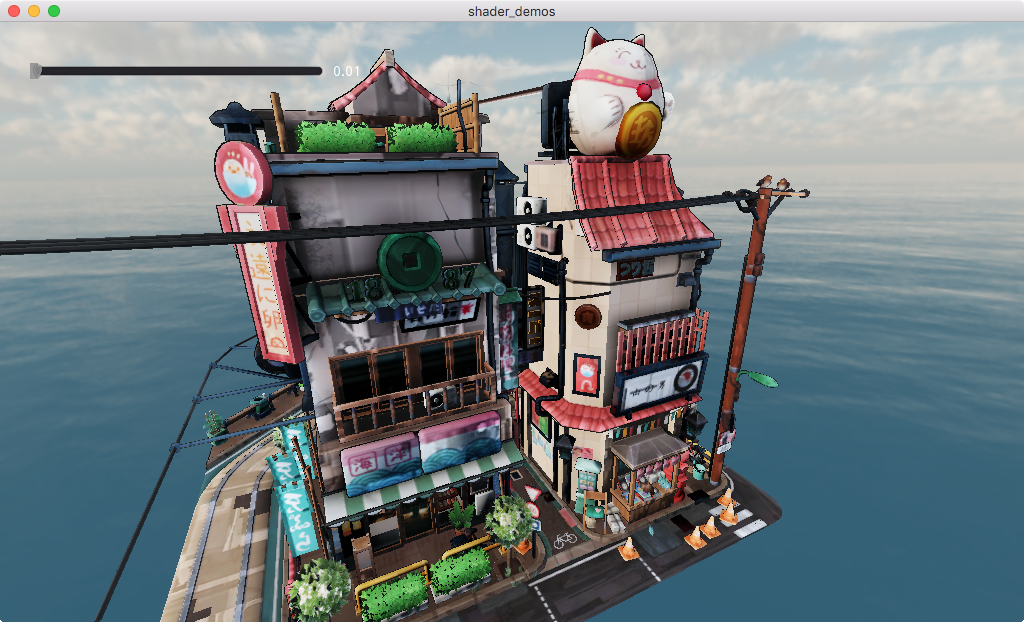
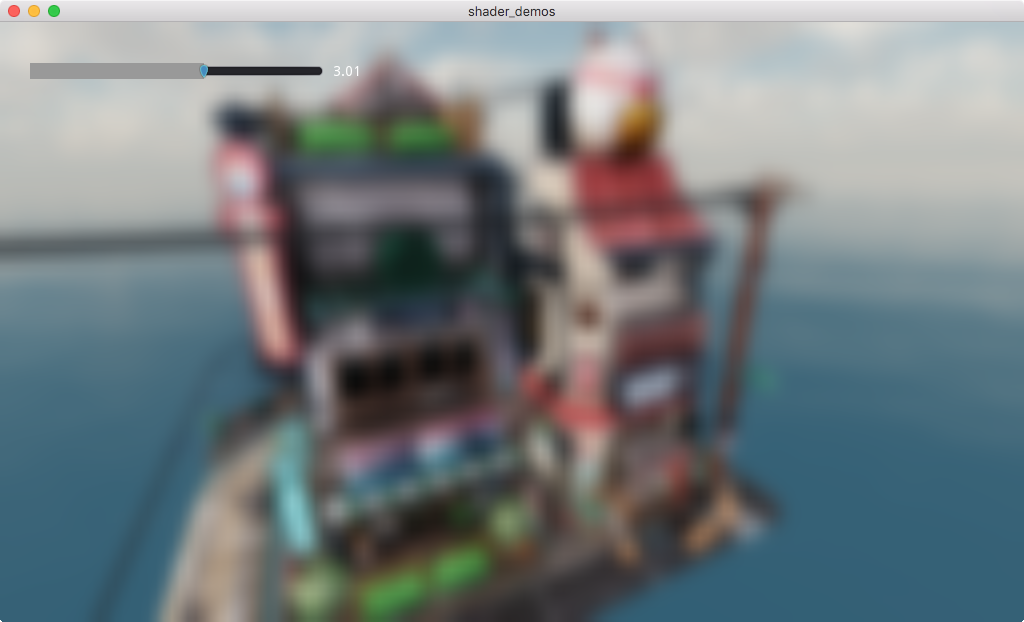
ぼかし効果もアニメーション化できます。
extends Node

# Add a ColorRect or other Control set to fill the screen
# Place it lower in the tree and/or place in CanvasLayer
# so it's on top of the rest of the scene.
@onready var blur = $Blur
var blur_amount = 0

func _process(delta):
    blur_amount = wrapf(blur_amount + 0.05, 0.0, 5.0)
    blur.material.set_shader_param("blur_amount", blur_amount)